
 Cart is empty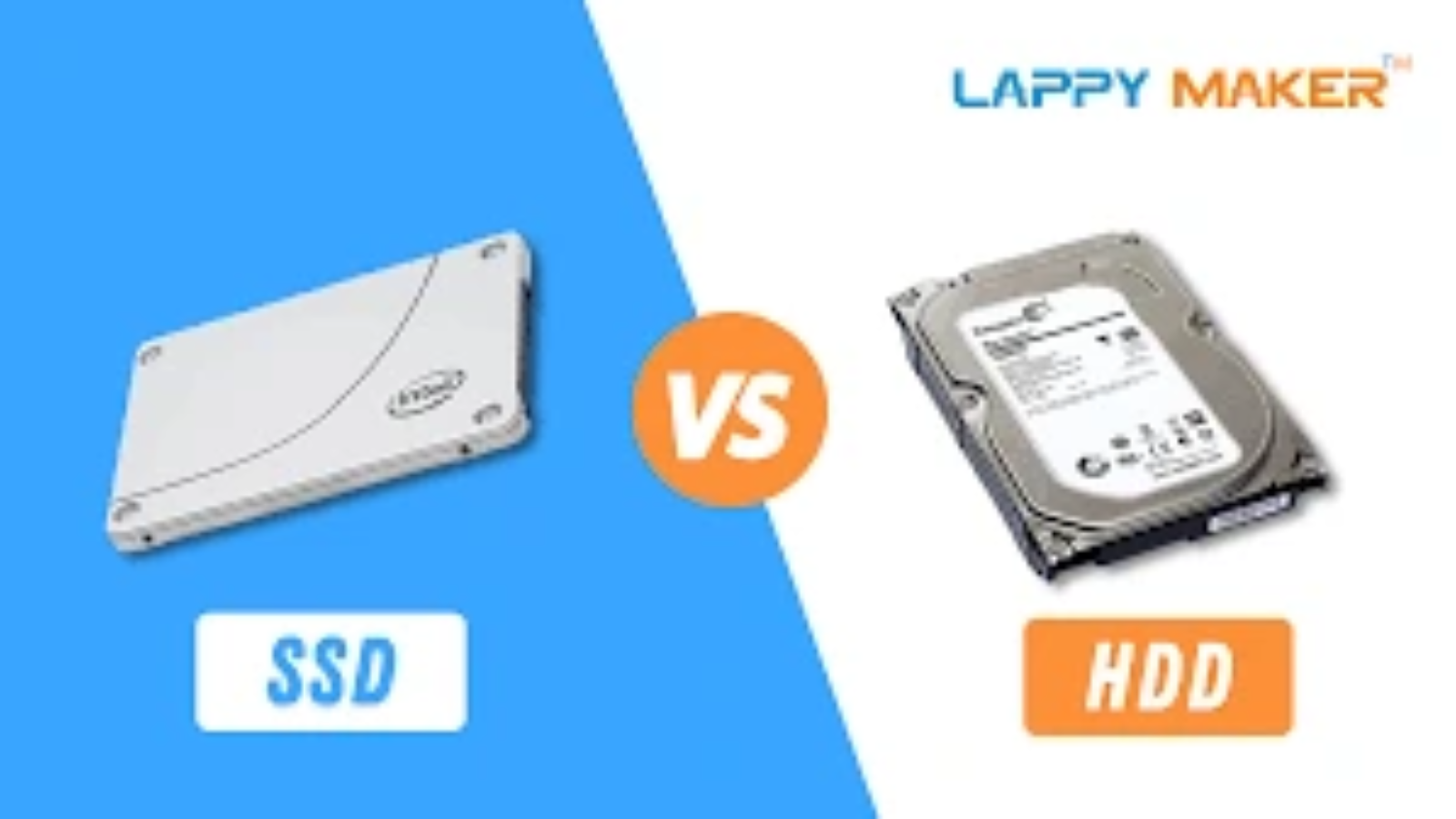
It is essential to make the appropriate choices regarding the storage drive of your laptop. It affects your speed of computing, your storage capacity, and even battery capacity. The two are SSD (Solid State Drive) and HDD (Hard Disk Drive). This article takes you deep into the issue of SSD vs HDD in laptops enabling you to make an informed choice based on speed, price, and performance.
What Are SSD and HDD?
It is always better to know what SSDs and HDDs are before we compare the two.
- HDD (Hard Disk Drive): The traditional way of storage where spinning disks are used and a moving read/write tack. These disks store the data magnetically.
- SSD (Solid State Drive): Modem flash memory without any moving elements. The information is saved on microchips, a movable flash drive which looks like a USB but is faster and more stable.
- Performance: SSDs vs. HDDs: Why the International Leader?
Speed is one of the largest factors that make people use SSDs. Having SSDs access the data near instantly, they do not need spinning disk to access the data.
Boot Time: Laptops with SSDs have a short boot time of a few seconds or less than 15 seconds
The HDD laptops may need 1-2 minutes or longer
- File transfer: SSDs are able to transfer files with a much speed as compared to HDDs. This is because of faster copying, saving and opening of files.
- Application Load: SSDs run their programs faster making them better at increasing productivity and gaming experiences.
This acceleration is attributed to the absence of mechanical components in the SSDs hence the data retrieval is almost instant.
Price: Evaluating Cost vs Value
Price is often the deciding factor between SSD and HDD laptops.
| Storage Type | Average Price per GB | Typical Laptop Storage Size | Estimated Cost |
| HDD | $0.03 – $0.05 | 1TB | $30 – $50 |
| SSD | $0.10 – $0.15 | 512GB | $50 – $75 |
- HDDs are cheaper but have more storage, thus making them suitable to the costly user or users who require a lot of storage space.
- SSDs are more expensive on an individual GB basis yet they can offer exceptional performance advantages to justify the expense.
- Nevertheless, the prices of SSD are falling further, and there is less space between the two.
- Performance: Beyond Speed
Performance involves reliability, durability and power consumption
Reliability & Durability
- The hard disk drives contain components that move and this exposes them to shocks and equipment degeneration with time.
- There are no moving parts in SSDs and hence they are durable and are not prone to external damages easily.
Battery Life
- SSDs also use fewer power that could increase the battery life of laptops by 20-30 percent over HDDs.
- This renders SSD laptops superior to those users who need to use it on-the-go and are concerned about battery performance.
Noise & Heat
- The disks in HDDs generate noise and vibrations.
- SSDs use less heat and are quiet in nature.
Which Use Case Scenario should you use?
- When to Choose an SSD Laptop
- You desire a quick start up and shut down.
- You often consume with heavy programs such as video editing, gaming or software development.
- You put a premium on quality and duration of battery life.
- You don’t mind paying a little more on performance.
- When to Choose an HDD Laptop
- You have to store a lot at a low cost.
- Mostly your business is web browsing, document editing or streaming
You are not afraid to go at slower data access speeds
You would need to store large media files such as movies and photos at a low cost.
- Halfway Covenants: Middle Grounds.
- There are those laptops that provide SSD as well as HDD and have SSD as the operating system and HDD as the storage. This configuration is a compromise between speed and storage capacity but it is more expensive.
- SSD vs HDD: Final Thoughts
In 2026, the market of SSDs in the laptop sector leads because of its superior speed and reliability features. The HDD is available at a reasonable cost to the users who require a large storage capacity; however, SSD gives them a superior user experience.
SSD will be the right option if you need to use the laptop which is more responsive and having the maximum battery life. HDDS are still pertinent as far as bulk storage is concerned at a low cost.
FAQs
Q1: Is it possible to replace the HDD with the SSD in my laptop?
Yes, a vast majority of laptops can be upgraded on their storage disk. It can literally mean cloning your data directly to the SSD, and putting the drive in physically.
Q2: Does SSD storage influence the lifespan of the laptops?
The SSDs tend to prolong the life of laptops by minimizing the mechanical wear and decreasing heat emission.
Q3: Do SSDs experience greater susceptibility to data loss?
No, SSDs are dependable, however, as any drive, they should be backed up on a regular basis.
Q4: Which one is much faster, SSD or HDD?
SSD is capable of a read/write of a HDD 10 times faster.
Leave A Comment