 Cart is empty
The dilemma of a Chromebook vs traditional laptop or not is a usual question of a lot of buyers nowadays. The two devices have different features, advantages as well as disadvantages that may fit various requirements and finances.
This guide is a straight forward comparison of these two common categories of computers which could enable you make a wise choice depending on the circumstances you need it.
What Is a Chromebook?
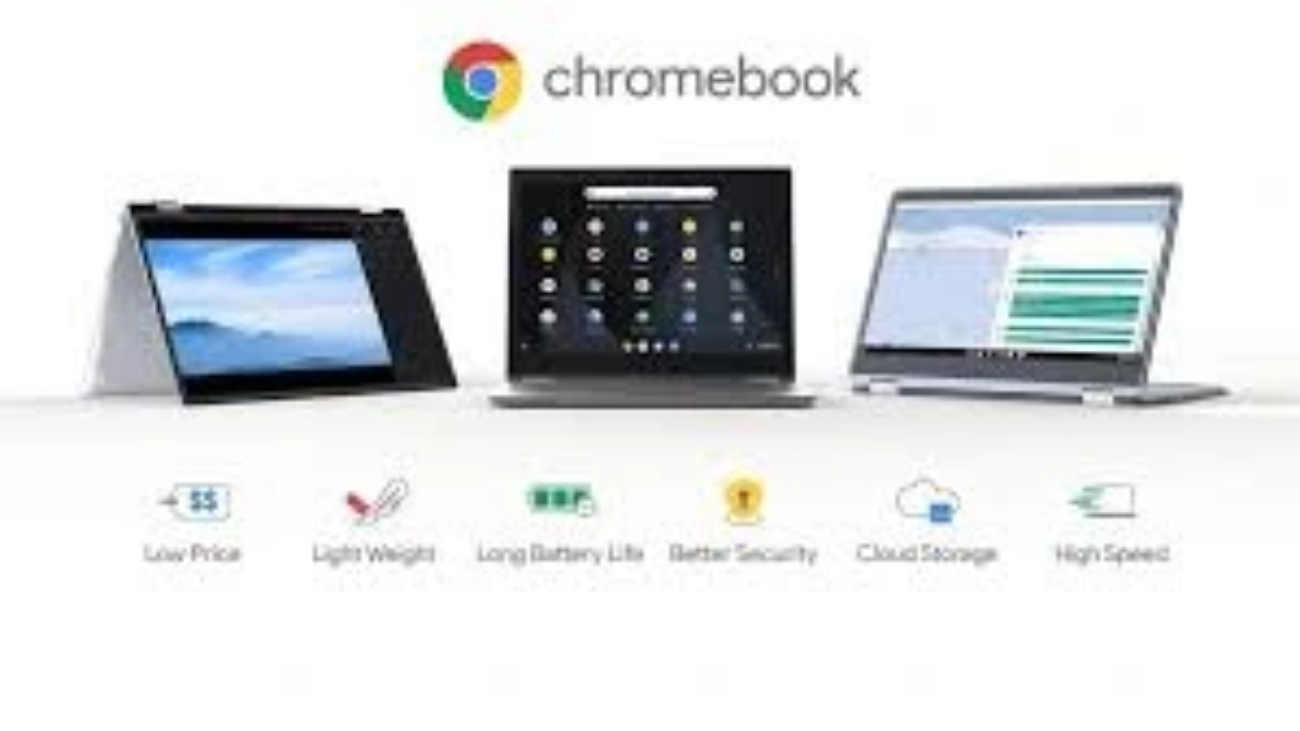
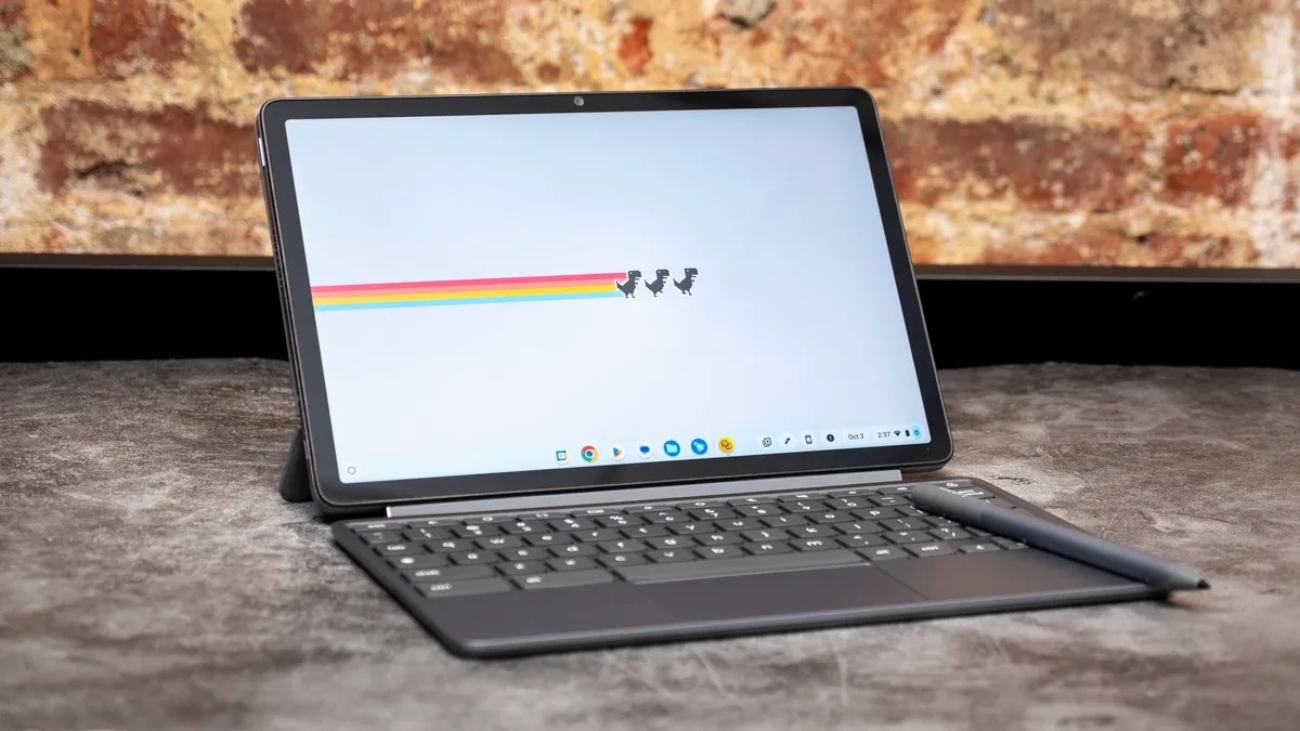
Chromebook is a laptop that operates on the Chrome OS of Google. It is developed mostly to be web-based and cloud computing. The Chrome book targets the use of internet and Google applications such as Google Docs, Google Sheets and Google Drive.
Considerable Features of Chromebooks
- Light operating system (Chrome OS)
- Target the web applications and cloud storage.
- Tend to be of lower price.
- Quick start-up and user friendly interface.
- No offline features like conventional laptops.
What Is a Traditional Laptop?
The standard laptop will tend to operate using windows or macOS. These are full-fledged computers that can perform an extensive platform of software, including intensive programs such as video editing, gaming, and work software packages.
Pivotal Features of the Traditional Laptops
- Full-fetched operating systems (Windows/macOS).
- Works with a wide selection of software and offline applications.
- Hardware options which are typically stronger.
- Heavy and more likely to be more costly.
- More sophisticated OS and heavy features
Chromebook vs Traditional Laptop: Side-by-Side Comparison
| Feature | Chromebook | Traditional Laptop |
| Operating System | Chrome OS | Windows or macOS |
| Price Range | $200 – $600 | $400 – $2000+ |
| Performance | Good for light tasks | Suitable for heavy tasks |
| Software Compatibility | Web apps, Android apps | Wide range of desktop software |
| Offline Capability | Limited | Full offline functionality |
| Security | Automatic updates, sandboxing | Antivirus needed, manual update |
| Battery Life | 8 – 12 hours | 4 – 10 hours |
| Storage | Mostly cloud-based | Larger local storage options |
| User Interface | Simplified and streamlined | More complex, customizable |
| Ideal Users | Students, casual users, travelers | Professionals, gamers, creators |
Hardware Differences Performance
Chromebooks normally consume less powerful processors such as Intel Celeron or ARM. It is enough to browse, do word processing and stream but not to do intensive work such as video editing or playing video games. Standard laptops will have an Intel Core i3 to i9 or Apple-made M1/M2 processors, which are capable of supporting powerful software.
Chromebooks from small design and low production have limited RAM and storage (4-8 GB RAM, 32-128 GB storage) as they are based on cloud storage. Conventional laptops have more RAM (8-64 GB) and bigger local drives (256 GB to multiple terabytes), which is appropriate in highly multitasking and large files.
Software and Ecosystem
Chromebooks use Chrome OS operating system that can support both web applications and Android applications through Google Play Store. This reduces the software options but makes the system light weight and speedy. Ideally, you should use Google services or cloud applications on a regular basis.
Conventional laptops use Windows or MacOS, and can use any software, including professional applications such as Adobe Photoshop, virtually.
Security and Updates
The automatic updates, sandboxing of applications, and verified boot process are inherent to chromebooks and make them more secure. Antivirus software is hardly necessary to them.
Conventional laptops will have to be manually updated and have antivirus protection, which, though potentially hassling, will be flexible in running a variety of software and hardware.
Portability and Life of the battery
Using efficient hardware and light operating systems, chromebooks tend to have lengthier battery duration of between 8 to 12 hours. They are also smaller and lightweight thus they are convenient to travel and students.
Conventional laptops have a broad range of battery life based on hardware, but can provide coverage on 4 to 10 hours. More aggressive components can increase their mass and size.
Cloud Integration and storage.
The use of cloud storage is stressed with chromebooks, as the users are encouraged to save files on Google drive. Storage is also small locally which is limiting when you are having many files offline.
The traditional laptops have plenty of local storage and you can directly store big files and applications in the laptop. This is necessary to the users who work offline or with large volumes of data.
User Interface and User Experience
Chromebooks have a clean and simple interface with an emphasis on speed and simplicity. The Chrome Web Browser is in the center stage and the learning curve is less particularly to the one who is used to Google products.
Conventional laptops have more user friendly features such as high customization, multitasking options such as multiple desktops and file management. They are more advanced but are more controllable.
Who is the Chromebook an Ideal User?
- Students that require a cheap device to do their schoolwork and research.
- The users mostly browse the internet, social media, and video streaming.
- Customers seeking a compact gadget with extended battery life.
Individuals seeking a very basic and safe hardware that does not require much maintenance.
Who is it that should select a conventional Laptop?
People who need a high-performance computer to operate such software as Photoshop, CAD, or code.
- Gamers that require high processing power and graphics cards.
- New artists, who deal with video editing, 3D rendering, or music production.
- Users who will need a high degree of offline capability and local storage.
FAQs
1. Is it possible to operate Windows or MacOS on a Chromebook?
No. Chrome OS is not compatible with Windows or MacOS software and cannot run it natively. Simple functions can however be replaced by some Android apps and web apps.
2. Can Chromebooks be used to play games?
Chromebooks do not, as a rule, support high-end gaming. They also run the simple android games, but do not have the high-end graphics card to play the PC games that are more demanding.
3. Are Chromebooks safer than the standard laptops?
Automatic updates, sandboxing and verified boot makes chromebooks more secure. The old type of laptops will need antivirus and data to be updated manually to remain safe.
4. Is it possible to use a Chromebook when offline?
Chromebooks are not as offline capable. Some programs such as Google Docs can be used offline but most of the capabilities are internet-dependent.
5. What is the best device to use among students?
Chromebooks are cheap and convenient to most students and those who rely on web based tools. Conventional laptops are superior in case there is a need in specific software.
Final Thoughts
A choice of a Chromebook vs traditional laptop will vary on your usage needs, budget and an attraction of software ecosystems. Chromebooks promise ease, cost-effectiveness, and safety to the light users. The conventional laptops are good in terms of power, versatility and the large software support to professionals and gamers.