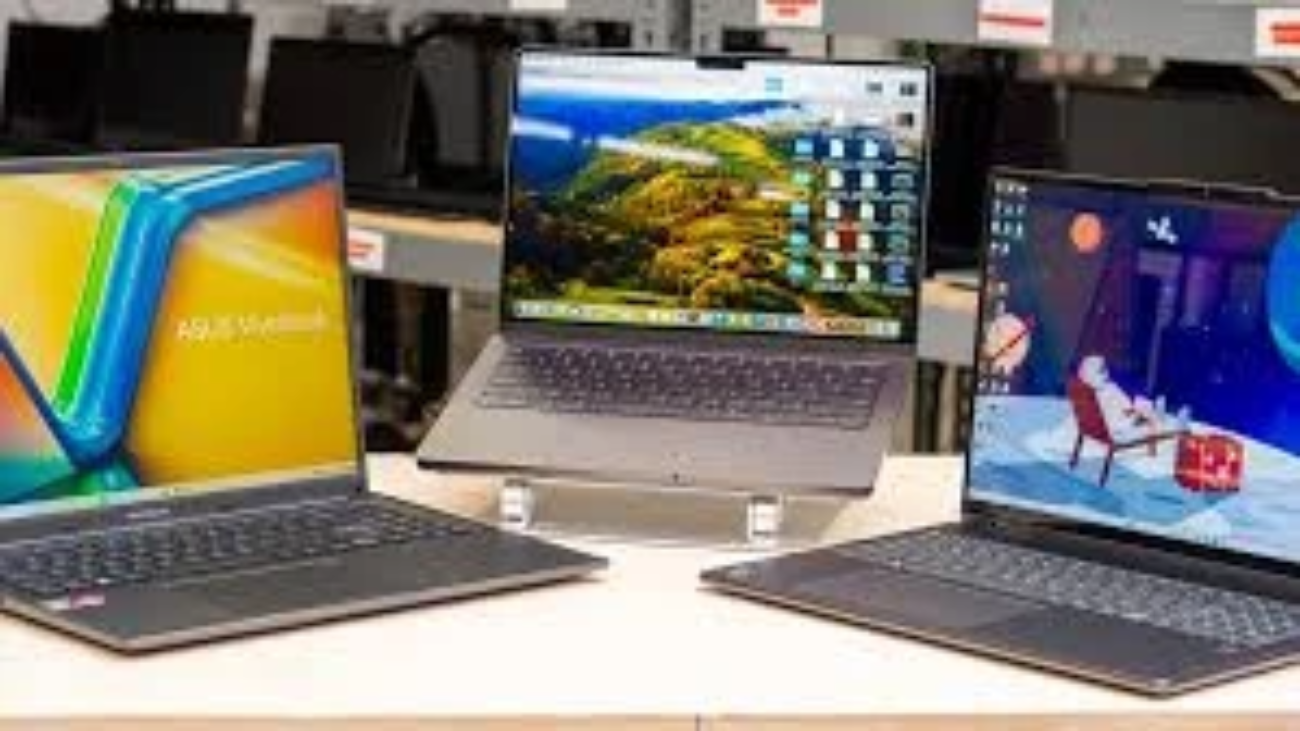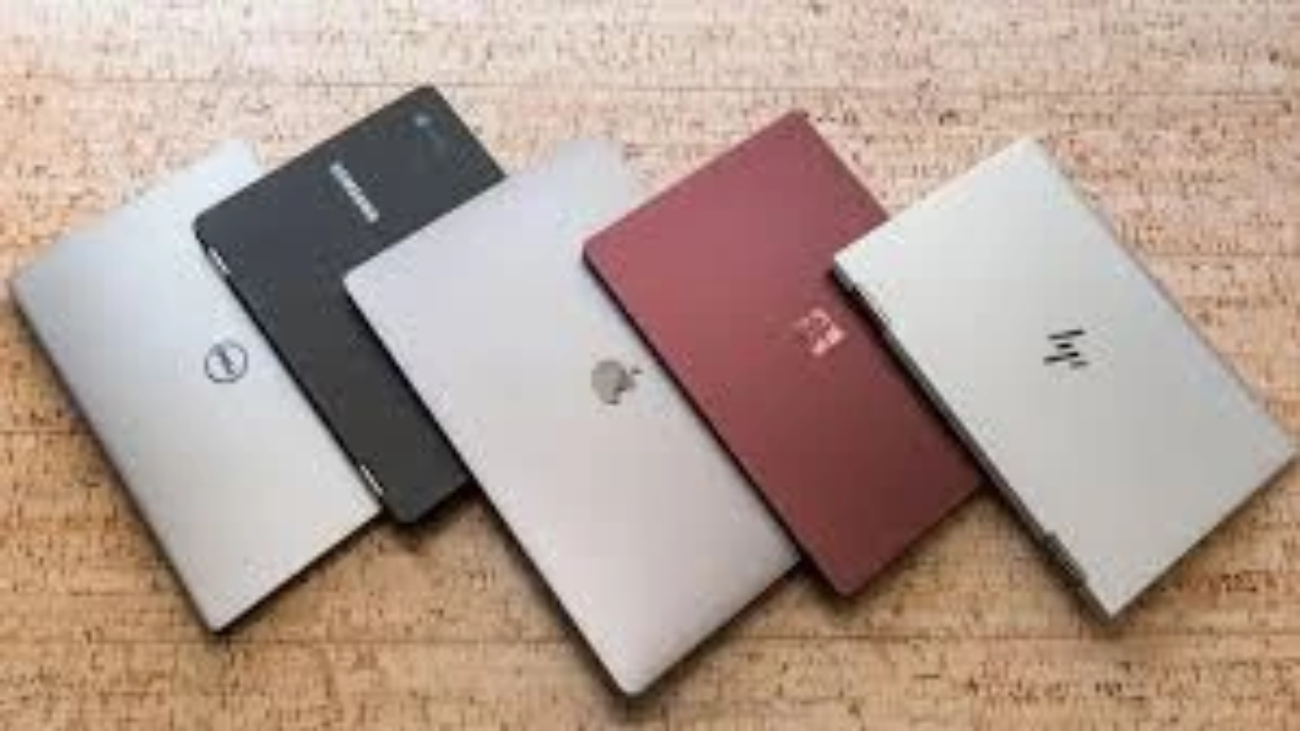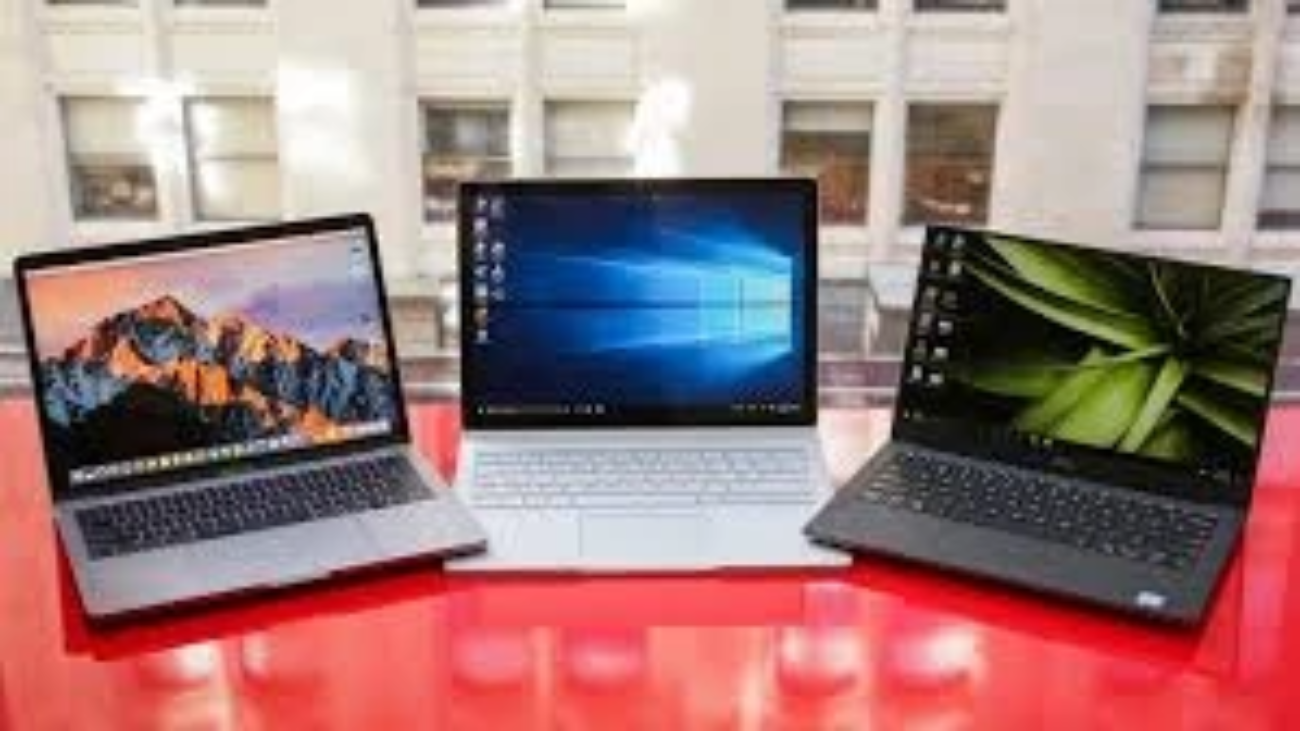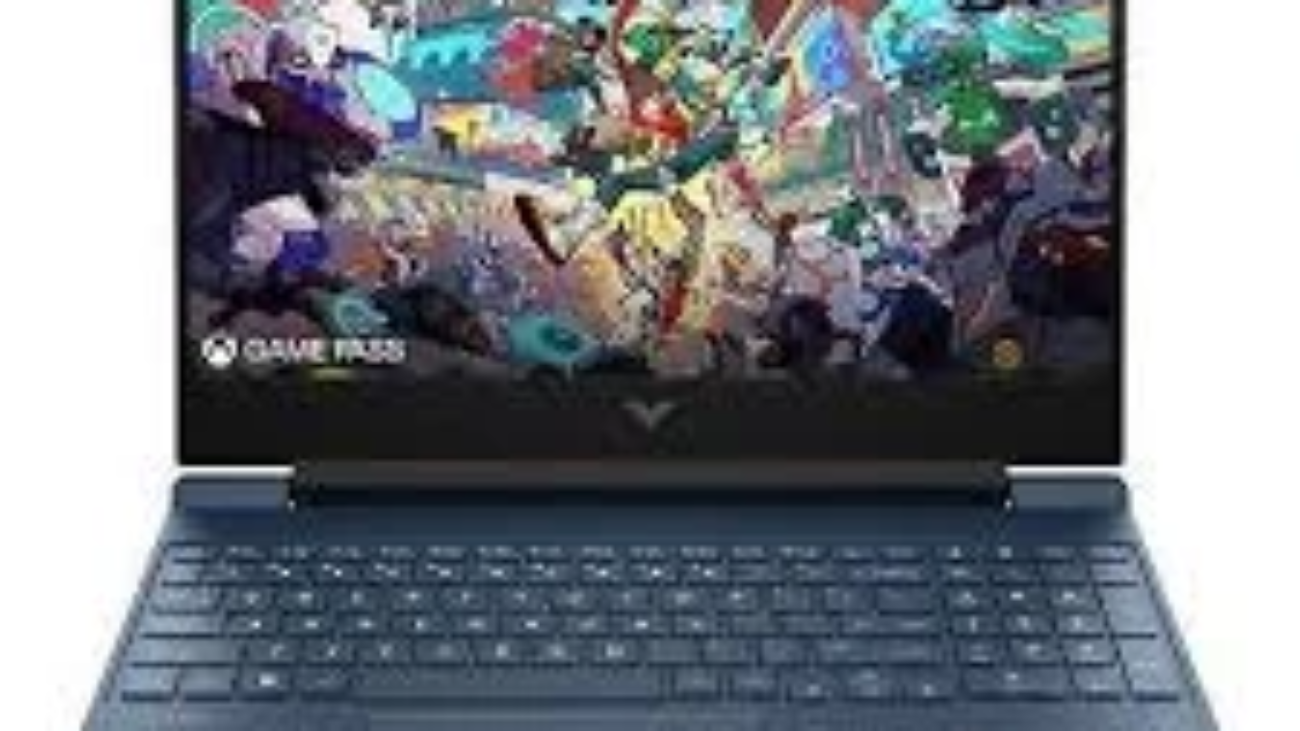
Chromebook vs Windows Laptop guide

Understanding the Basics: Chromebook and Windows Laptop

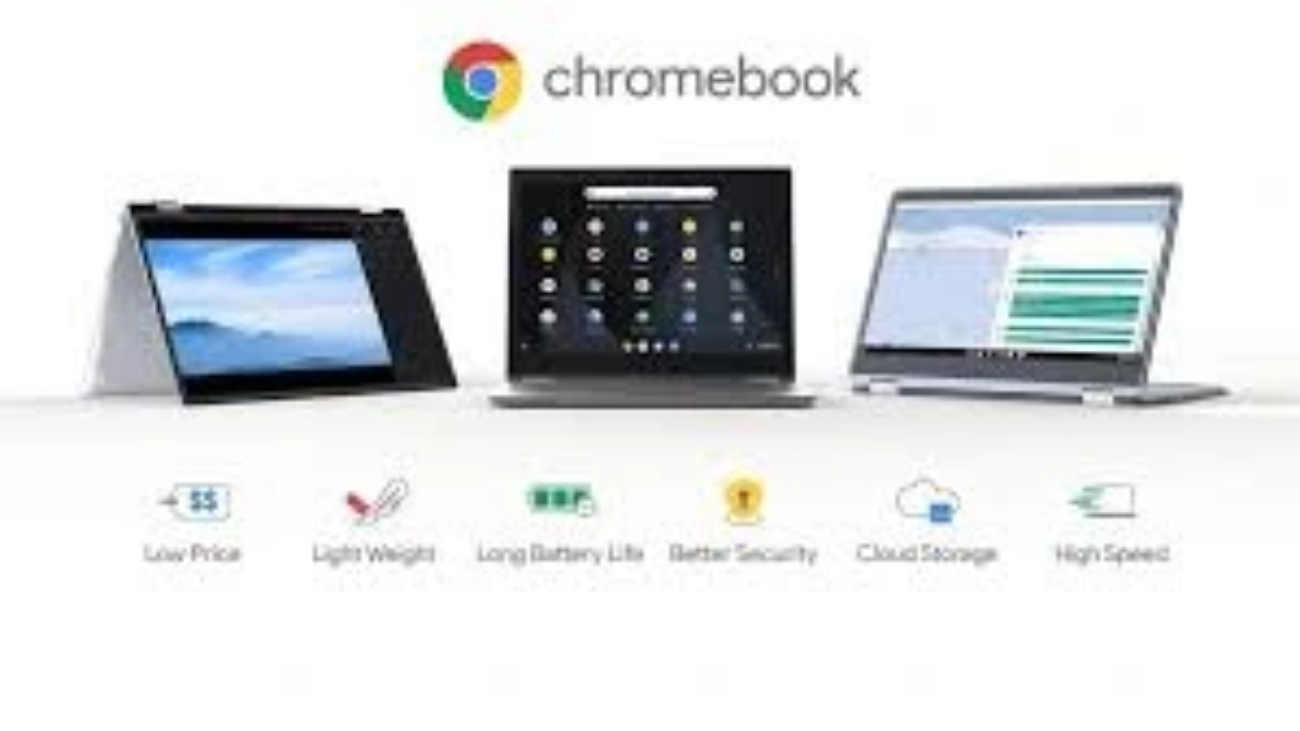
Chromebooks are laptops that operate on a lightweight operating system which is Google Chrome OS; the operating system is based on the Chrome browser. Chromebooks are made with simplicity, speed, and affordability as the main characteristics of using them online and the application of cloud computing. 

They are best suited to those users that are always online and use web applications such as Google Docs, Gmail and streaming services.

What is a Windows Laptop?

Windows laptops have Microsoft Windows OS operating system which is a versatile and widely used operating system that supports a wide array of software including desktop applications that are powerful. 

Windows computers are available in a great variety of prices and specification, starting with the low-end budget computers, all the way up to the high-end gaming and professional laptops. The windows ecosystem is flexible, compatible and capable of performing tasks both at the casual browsing level and intensive software development.

Key Differences Between Chromebook and Windows Laptop

FeatureChromebookWindows Laptop
Operating SystemChrome OS (web-focused)Windows OS (desktop-oriented)
Software CompatibilityPrimarily web apps and Android appsRuns full desktop applications
PerformanceLightweight, fast boot timesVaries widely depending on hardware
StorageLimited local storage, cloud storage focusLarger local storage options
SecurityAutomatic updates, sandboxingRequires antivirus and manual updates
Price RangeGenerally budget-friendlyWide range from budget to premium
Offline CapabilityLimited offline functionalityFull offline functionality

User Experience and Performance

Speed and Efficiency

The simplified OS and emphasis on cloud-based computing ensure that chromebooks boot up faster and perform their tasks without a lot of lag. This makes them ideal among students, casual users as well as professionals who spend majority of their time online.

Depending on hardware, windows laptops provide more performance choices. Expensive windows laptops will be able to handle heavy activities such as video editing and gaming, a dissimilar experience with Chromebooks because of the constraints of the OS.

Software and Application Support

The last important differentiation is software compatibility. Chromebooks support web-based software and Android software in Google Play Store. They do not support the use of traditional desktop programs such as Adobe Photoshop or Microsoft Office Desktop versions although Google Workspace applications and Microsoft Office online versions are compatible.

Windows laptops are capable of using practically all software used on PC and that includes professional software, games, and even old programs. This renders them invaluable to individuals having software specifications.

Storage and File Management

Google drive is the primary cloud storage on which chromebooks operate and internal storage (32GB-64GB) is low. This model will efficiently promote saving files online, allowing users to access to files (mostly) across all devices, with an internet connection being the most efficient way to use this model.

Laptop Windows operating systems usually have more internal storage capacity, starting with 128GB SSDs, and going on to several terabytes on standard hard drives. This is also advantageous to users who either require to store files of high capacity on the local drive, or those who are offline very often.

Security and Maintenance

Security Features

Chromebooks have been praised to have high security. Chrome OS keeps on updating itself automatically in the background and reduces vulnerability. Its sandboxing technology isolates applications lowering the risk of malware. One of the best features of Chromebooks to users who are conscious of viruses and cyberattacks is the peace of mind with a minimum level of maintenance.

Windows laptops should be updated and antivirus programs should be installed on them to ensure security. The windows have become more secure overtime but users still need to be very cautious of different threats and conduct frequent system care.

Maintenance and Updates

The chromebooks allow updates to be automatically done with minimum user involvement and this eliminates technical headaches. Though it also has automatic updates windows laptops sometimes need manual intervention to troubleshoot or update the drivers, and this may be too overwhelming to less-technical users.

Price and Value for Money

The Chromebooks are also relatively cheap, and they can range between 200 and 600 dollars. They are affordable to the budget conscious and buyers with simple computer requirements.

The pricing of the Windows laptops is very wide, beginning with cheap laptops and ending with high-performance laptops of high prices. This variety gives the consumers the opportunity to locate a device that can meet their spending opportunity and unique needs.

Best Uses: What Laptop Is Right for You?

Best for Chromebooks

  • Laptops required by students who need affordable and simple to use laptops.
  • Users who mostly operate in cloud conditions.
  • Individuals who desire a hassle free security and updates.
  • Those individuals who primarily browse, stream and use Google services.

Best for Windows Laptops

  • Specialist or old software needed by professionals.
  • Gamers and professionals in the creative industry that require the powerful hardware.
  • Users who do their work outside much or use large files.
  • Any person in need of complete command of his/her computer surroundings.

Conclusion

When deciding on either a Chromebook or a Windows laptop, it will depend on your daily tasks, the related software needs, the budget and your comfort with the related technology. Chromebooks are simple, secure, and affordable, which is ideal to other light users and students. Windows laptops offer unmatched capability and power, befitting the professional and power user.

To get deeper information about operating systems and laptop comparisons visit the detailed guide on laptops offered by Forbes.

FAQS

Q: Is it possible to use Microsoft office on a Chromebook?

A: Microsoft office can be applied online or by Android applications on a Chromebook, but not the entire desktop.

Q: Can we also play games on chromebooks?

A: Chrome books can only support web and Android based games and thus cannot be used to play high performance games.

Q: Can Chromebooks operate without being connected to the internet?

A: There are apps and files that can be used offline, and Chromebooks are online-oriented devices, therefore, their offline functions are minimal.

Q: Which system is superior in business use: Windows or otherwise?

A: Generally, yes. Windows is more compatible with business software and is more customizable.

Q: What is the life of Chromebooks in comparison with windows laptops?

A: They both can be lasted several years, depending on the use, although Chromebooks usually have a scheduled update expiration date of 6-8 years.
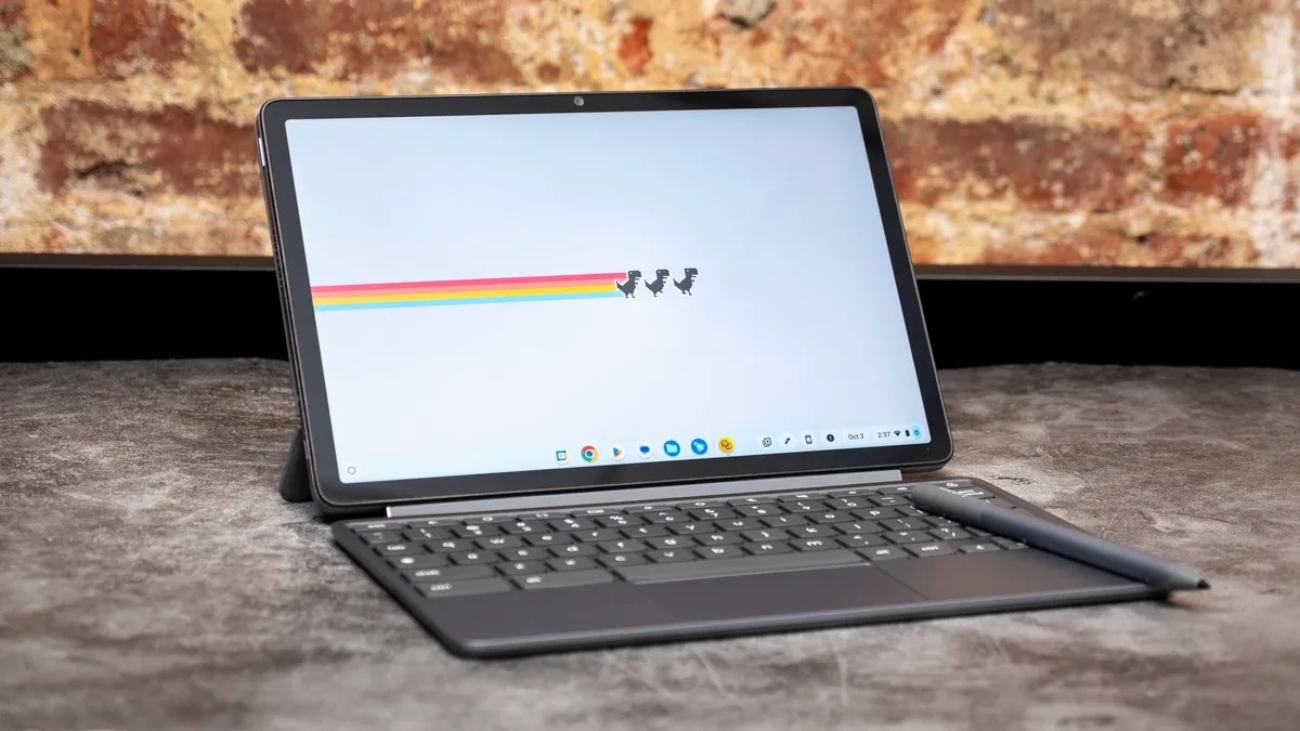
Why Chromebooks are better for students in Pakistan

5 Reasons Why Chromebooks Are Better for Students in Pakistan

In Pakistan where education is changing fast with the growing access to technology, it is important to consider the right choice of device to be used by students. Chromebooks have proved to be a favorite among most students and even educators. 

This paper discusses the reasons why Chromebooks may appeal to students in Pakistan, and why there are five primary reasons behind this claim based on personal experience, experience, and reliable information.

1. Affordability and Accessibility

Purchasing good quality laptops is one of the greatest challenges that students face in Pakistan. The chromebooks are also a cheaper alternative that does not compromise on necessary functions. Most Chromebooks are sold between PKR 20,000 and PKR 40,000 unlike the traditional laptops that cost more than PKR 60,000 and therefore are affordable to a larger range of students.

Google Workspace tools (Docs, Sheets and Slides) are cloud-based and are delivered on chromebooks. This will help to save on the expenses of purchasing the expensive software packages, and this would save the entire cost on the part of the students and their families.

2. Simplicity and Speed

Learners do not usually require some complicated program or processing. Chromebooks are operating on Chrome OS, which is a lightweight, fast, and simple operating system. The times to boot are usually less than 10 seconds with students being able to get working immediately.

This smooth experience comes in particularly handy in Pakistan where frequent power and internet cuts affect most students. 

Chromebooks have the ability to work offline with Google Docs and other applications and synchronize work when the network is available again, which is an essential quality of the product in those places where the connection is not very strong.

3. Security and Reliability

A significant issue to any device that is employed in education is security. Chromebooks have security features that are inbuilt such as automatic updates, sandboxing and verified boot which prevent malware and viruses, which do not necessitate use of extra antivirus application.

In the case of Pakistani students who might have no access to specialized IT support, this reliability would imply fewer interruptions. The cloud-based storage of Chromebook also prevents the possibility of losing the work due to the breakdown of devices and keeps the work of students safe and available in any place.

4. Combination with Google Classroom and Educational Apps

Google Classroom has emerged as an international norm of online learning, particularly being accelerated by the COVID-19 pandemic. Schools in Pakistan are adopting more the use of Google Classroom in assignments, communication, and grading.

The chromebooks are compatible with Google Classroom and other educational applications available in Google Play Store. This is integrated to make the process of learning easier, the students are able to concentrate in their studies and not on the technical problems.

5. Enduring battery life and Portability

Pakistan students usually travel long distances to reach university or school. It is necessary to have a product that is light and has great power capacity so that one can be productive even during the day. Chromebooks come with a battery life of 8 to 12 hours, which is superior to several older laptops.

Chromebooks are also easy to carry around due to their slim and lightweight design which makes them less cumbersome to the students who are required to carry their devices with them on a daily basis.

Comparison Table: Chromebooks vs Traditional Laptops for Pakistani Students

FeatureChromebooksTraditional Laptops
Price RangePKR 20,000 – 40,000PKR 60,000 and above
Operating SystemChrome OS (Lightweight)Windows/macOS (Heavier)
SecurityAutomatic updates & sandboxingRequire third-party antivirus
Battery Life8-12 hoursTypically 4-8 hours
Software CostFree Google Workspace toolsExpensive licensed software
Weight & PortabilityLightweight and slimOften heavier and bulkier
Offline FunctionalityAvailableVaries by software

FAQs

Q1: Are all the computer programs needed by the Pakistani schools compatible to Chromebooks?

Most Android applications and cloud-based apps work with chromebooks. In the case of specialized software, schools tend to offer web-based alternatives that are compatible with Chrome OS.

Q2: Does the Chromebooks suit students who have a desire to study engineering or design?

Chromebooks are better in general education; however, students with high-level requirements will use expensive software like CAD or video editing will be in need of conventional laptops. Numerous design tools have however, been web-based and can be used on Chromebooks.

Q3: How do the Chromebooks cope with the internet connectivity problems prevalent in Pakistan?

Many apps work in offline mode on chromebooks and students can continue working even without internet and save to use later which is best suited to the intermittent connectivity.

Q4: Do Chromebooks last long enough to be used by students on a day-to-day basis?

A lot of Chromebooks have designs of ruggedness that is specially designed to meet educational purposes and thus making the device very durable and easy to use everyday by the school-going students.

Conclusion

The Chromebooks will be a viable and effective alternative to the Pakistani students, as it is affordable, user-friendly, secure and well integrated with the learning software. The fact that they can operate without the internet and they have a long battery life only makes them more appropriate in a country with various infrastructure issues.

When a student buys a Chromebook, they can have a well-known, safe, and affordable device that would help in their academic process. To get a closer idea at the benefits of Chromebook education, you may refer to the education technology section of Forbes.

Laptop or Chromebook pros and cons

Laptop vs Chromebook: 5 Key Pros and Cons Explained Simply

The reason why picking a laptop versus a Chromebook is a dilemma to most users nowadays. Both models are similar enough in their purpose but this is where they have a considerable difference in design, functionality, and, in general, in usage experience. 

To enable you to make the right choice, we will examine the five major advantages and disadvantages of laptops and Chromebooks in easy and understandable language.

What is a Laptop? What is a Chromebook?

It is important to first know what each of these devices is before delving into the advantages and disadvantages:

  • Laptop: It is an everyday computer that can be operated with either windows or MacOS as operating systems. It is capable of executing a broad spectrum of applications, both professional and gaming.
  • Chromebook: This is a low-end computer, powered by Chrome OS, which is largely oriented toward using centralized web-based applications and saving data in the cloud, whereas it is heavily dependent on the Google range of ecosystem.

1. software compatibility- performance

Laptop Pros:

  • Active desktop applications: Laptops are compatible with popular applications, like Adobe Photoshop, Microsoft Office, and even your advanced development systems.
  • Models with better performance: It offers laptops that have high-performance processors and high RAM, as well as have an integrated graphics card.

Laptop Cons:

  • It may be costly: The laptops of high performance are usually priced high.
  • Expenses heavier and bulkier: Harder and more powerful hardware can also indicate a heavier device.

Chromebook Pros:

  • Quick boot and fast updates: Chromebooks have fast boot and automatic updates which do not need extensive user intervention.
  • Good with web and cloud applications: Ideal in the hands of people that primarily utilize Google Docs, Sheets, and various other web solutions.

Chromebook Cons:

  • Minimal offline features: A number of apps require internet connection in order to operate completely.
  • Cant executear archetypal desktop software: You can execute windows or Macintosh installations instantaneously.

2. Price and Affordability

The type of device Price bracket Money worth.

Laptop $300 -3000+ Broad, varies with specs.

Chromebook $150 – $700 Not very expensive to do simple tasks.

Laptop:

  • Prices vary across configuration to a big extent.
  • Premium models are perhaps expensive but have huge features.

Chromebook:

  • More affordable by general and also good with a tight budget.
  • Most suitable with student, non-expert and people requiring basic computing capabilities.

3. Portability: Battery Life

Laptop Pros:

  • Numerous ultrabook products have the slim designs and are well-battery.
  • Diversity in terms of size in order to fit in the portability requirements.

Laptop Cons:

  • Larger laptops can be heavy.
  • The battery life differs, battery sucker applications consume more power.

Chromebook Pros:

  • Generally considerably light and small.
  • Good battery life, can last a day on single charge, other times have very lightweight OS.

Chromebook Cons:

  • Slim-screen features can be a constraint in user experience of multitasking.
  • Quality of construction is not always high, particularly the low-end ones.

4. Security and Updates

Laptop Pros:

  • You are in charge of the timing and manner of system updating.
  • Is able to install different antivirus and security programs.

Laptop Cons:

  • Laid out to be updated and maintained its parts manually.
  • There is a greater risk of malware unless it is managed well.

Chromebook Pros:

  • The system is automatically updated, ensuring that it is secure.
  • Inbuilt sandboxing and authentic boot protection against websites that spread malware.

Chromebook Cons:

  • Uncontrollable security options.
  • Bases security on the infrastructure at Google.

5. User Uses and User Experiences

Laptop Pros:

  • Adequate among professionals, gamers and other creatives who require high-quality software.
  • More flexibility to multitask and use of software.

Laptop Cons:

  • Maintenance must be done using technical knowledge.
  • By itself can be too complex to be used by people who require simple functions.

Chromebook Pros:

  • Easy and user friendly interface.
  • Ideal in students, casual users and in users who cannot do without Google services.

Chromebook Cons:

  • No good with heavy video editing or gaming.
  • Few options of specialized software.

Summary Table of Pros and Cons

AspectLaptop ProsLaptop ConsChromebook ProsChromebook Cons
PerformanceRuns full software, high powerExpensive, heavierFast boot, great for web appsLimited offline use, no desktop apps
PriceWide price rangeHigh-end models costlyAffordableLimited power for price
PortabilityVariety of sizesHeavy if powerfulLightweight, excellent battery lifeSmaller screens, build varies
SecurityCustomizable securityRequires maintenanceAutomatic updates, secureLess control over settings
User ExperienceVersatile, professional useComplex for beginnersSimple, great for basic useNot for heavy software

Conclusion

A laptop is preferable in case you need a device that is of professional grade, games, or software development. It gets flexibility, strength and wide scope of application.

In case you have simple computing requirements such as browsing, streaming, writing compositions, and utilizing cloud services, a Chromebook is an excellent bargain that is user-friendly, has a long battery life, and is highly secure.

To gain a deeper look into the design of Chromebook and its intended use, consider the official Wikipedia page of Chrome OS.

FAQs

Q1: Is it possible to use Microsoft office on Chromebook?

A: Yes, through Office Online or Android applications, full desktop versions can only execute on laptops.

Q2: Can chromebooks be used to play games?

A: Chromebooks are not a good choice to play heavy weight games, though it could play web based games or Android games.

Q3: Does it support the use of Linux in a Chromebook?

A: Cromebooks have lots of support that runs Linux applications in their in a built in interaction which increases the software possibilities.

Q4: Is the lifetime of laptops longer than that of Chromebooks?

A: That will be dependent on how it is used, but in most instances laptops have more upgrade options, thus increasing its life span.

How to choose laptop for students in Pakistan

How to Choose Laptop for Students in Pakistan | Complete Guide

The selection of an appropriate laptop among students in Pakistan may be difficult. Most students and parents would have difficulties finding a device that would meet all three aspects of performance, affordability, and longevity. 

The guide will assist you in making an informed decision as the important factors to regard when it comes to students in Pakistan. We will touch on technical specifications, budgetary issues and local market factors to make sure that you purchase the best laptop that can support your educational requirements.

The reason why settling on the right lap top is important to students

A laptop is not only a device, but a learning, creativity, and productivity tool. In the case of Pakistani pupils, a laptop has to perform a number of functions – online lessons, studies, creation of the assignment papers, and even coding or graphics design. The process of picking an inappropriate laptop may result in being frustrated, squandering finances or even failing to meet the deadline.

Important Things to realise when purchasing a Laptop among Pakistani students

1. Budget and Affordability

The price may be the initial factor. The Pakistani student is generally limited in his budget and there are devices that are entry level all the way to high-end in the laptop market. Planning your budget in advance will reduce choice very fast.

  • Entry-level laptops: Typically less than PKR 50,000, only used to carry out a few simple functions, such as browsing and editing documents.
  • Mid-termed laptops:PKR 50,000 to PKR 100,000 best for the majority of students.
  • Premium laptops: anything above PKR 100,000, to do heavy duties such as video editing or engineering programs.

2. Performance Specifications

Performance is reliant on processor, RAM and storage. These elements have a direct influence on the ease of your laptop.

  • CPU (processor): Intel Core i3 or AMD Ryzen 3 will be good enough on general work. There are Intel Core i5 or Ryzen 5 that can be used on heavier workloads.
  • RAM: The minimum one is 4 GB, but 8 GB is recommended in multitasking.

Storage SSDs (Solid State Drives) are also faster as compared to HDDs. The minimum speed and balance in storage is a 256GB SSD.

3. Display and Portability

Students have been known to bring laptops to classes or libraries. A small and mini laptop assists in minimizing exertion.

  • Screen size: a realistic screen size is 13 to 15 inches in size.
  • Screen size: Full HD (1920×1080) is a comfortable screen that has a clear image.
  • Weight: Get to below 2 kg to make it easy transportation.

4. Battery Life

Extensive battery life will be important in Pakistan since there may be power failures or inaccessibility of chargers.

  • Find laptops which have 6-8 hours battery life.
  • Select power efficient processors to increase usage.
  • 5. Post Sales Customer Service and Brand Reputation.
  • In Pakistan, there is a disparity in after sales services with brands.

Select the brands that have their service centres such as Dell, HP, Lenovo or Asus.

Popular Laptop Models for Students in Pakistan (2026 Update)

Laptop ModelProcessorRAMStorageBattery LifeApproximate Price (PKR)
Lenovo IdeaPad 3Intel Core i38GB256GB SSD7 hours75,000
HP Pavilion 14AMD Ryzen 58GB512GB SSD8 hours95,000
Dell Inspiron 15Intel Core i58GB256GB SSD6.5 hours90,000
Asus VivoBook 15Intel Core i34GB256GB SSD6 hours65,000

Pakistan Laptops Buyers Guide

Electronics markets and authorized retailers are present and many in major cities such as Karachi, Lahore and Islamabad. Daraz.pk and the official brand stores are also available on the internet, which makes their use more convenient and occasionally the prices can be a bit lower. Before buying, always confirm that the seller is veritable and that he has a warranty.

Concerns of Pakistan students that are common

Internet Connectivity

A large number of learners are dependent on web based materials. The laptop should be equipped with a good Wi-Fi-card that is dual band (2.4 GHz and 5 GHz) to guarantee improved connections.

Central Advice on Maximizing the use of laptops

  • Regular Maintenance: Clean your laptop and update the programs on a regular basis.
  • Install Virus Killers: Get secure against virus.
  • Backup Data: Google Drive or OneDrive cloud systems should be used.
  • Power Management: Change options to increase battery life.

FAQs

Q1: Does a low-end laptop of less than PKR 50,000 perform university work?

A: simple chores such as writing essays and surfing can be done, but complicated software might slow down.

Q2: Is it worth putting in higher priority SSD, than HDD?

A: Yes, SSDs have great effects in terms of performance regarding speed.

Q3: Does the student require a touchscreen?

A: No most of the time except when you are taking a design or a drawing class.

Some questions that must be answered on Q4: How crucial will after-sales service be in Pakistan?

A: Very important. Sound service centres will save time and money when it comes to repairing.

Final Thoughts

The choice of a laptop that suits students in Pakistan requires a balance between price, improve performance and usability. The priority should be given to processors, RAM, SSD storage with keeping in mind portability and battery life. 

They should use reputable brands that offer good after sales services to the customers to prevent future problems. Knowing your needs and the market in the area, then you just have to be sure to select a laptop that can sustain your path to study.

How to choose laptop for online earning

10 Simple Steps to Choose a Laptop for Online Earning

The selection of an appropriate laptop to earn on online is a serious issue that may affect your productivity, comfort, and finally your success. You need to have a custom laptop regardless of whether you are a freelance, you are running your own online business, or you are dealing with stocks. 

This tutorial will give you 10 easy steps to select a laptop to earn online that will give you a mixture of knowledge, practice, and authority to make the right decision.

The importance of getting the right Laptop in online earning

It should be a high-quality device that would sustain your working tools, multitasking, and communication with customers or websites to make online money. The wrongly selected laptop may frustrate, cost you time and even opportunities. Thus, knowing which aspects are the most appropriate is the key to success.

Step 1: Determine Your Online Earning Requirements

Begin by determining the type of online work that you have. Do you create content, work as a digital marketer, develop or are you an online tutor? Various positions need varying requirements:

  • The producers of the content require good GPUs and high-quality displays.
  • Comfortable keyboards and battery life are preferences of writers and marketers.
  • The developers need good processors and substantial RAM.

The fact that you know what you are going to use it most will reduce your options.

Step 2: Set a Realistic Budget

Budget is a decisive factor. Although tempted to use the cheapest approach, affordability of a good laptop is worth investing in quality, durability and performance. To earn online, you will need between 500 and 1500 dollars based on the needs.

Step 3: Processor Performance Priority.

The brains of the laptop are described as the processor (CPU). The ideal processor is the Intel Core i5/i7 or AMD Ryzen 5/7 processors, which can be used in most online activities. The processors can support concomitant tasks and challenging applications easily, resulting in a smooth process of work.

Step 4: Select the appropriate RAM Size

RAM influences the number of applications that can be executed simultaneously with no delays. In the case of earning online, the minimum amount of ram will be 8GB; it will be 16GB in case you use software that consumes more resources, such as editing video or design software.

Step 5: Choose the type along with the capacity of storage

There is impact of storage on speed and file management. SSDs are much faster to boot and faster to access files than the traditional Hard Disk Drives (HDD). Target no less than 256GB SSD; higher (512GB or better) is better provided that you deal with large files on a regular basis.

Step 6: Take into Account the Quality of Display and its size

The presence of a comfortable screen with readable display eases the strain on eyes as one works long hours. The 14- to 15.6-inch screen with Full HD (1920×1080) is a compromising factor, both in portability and resolution. The screens are matte, that is, they reduce glare.

Step 7: Evaluate Battery Life

Given that online earning requires working anywhere or remotely, battery life is essential. Search on the laptops with minimum battery life of 8 hours to eliminate continuous charging inconveniences.

step 8: Keyboard and Touchpad Comfort check

A touchpad and smooth keyboard make it more productive and easy to use. Find laptops whose keys are evenly spaced with good tactile response particularly when typing is a lot of your job.

Step 9: Connectivity and Ports

Internet connectivity and peripheral connectivity are also required. Make sure that your laptop has Wi-Fi 6 to connect to the Internet more quickly and has a sufficient number of USB ports, HDMI and headphone jacks to connect your gadgets.

Step 10: Brand Image and Thesis

Get brands that are characterized by quality and customer service. Conditional customer service: Trustworthy and timely after sales services will save you money and time in the case of a technical failure. Check the warranties and research of the brands they are buying.

Comparison Table: Key Laptop Features for Online Earning

FeatureRecommended SpecWhy It Matters
ProcessorIntel Core i5/i7 or AMD Ryzen 5/7Smooth multitasking and performance
RAM8GB minimum, 16GB preferredEfficient app management
Storage256GB SSD minimumFast boot and file access
Display14-15.6 inch, Full HDComfortable viewing
Battery Life8+ hoursMobility without frequent charging
KeyboardResponsive, well-spacedComfortable for long typing sessions
ConnectivityWi-Fi 6, multiple USB portsStable internet and device compatibility

The Pro Secrets to Making the most of your Laptop purchase

  • Check the software to upgrade it to security and smooth running regularly.
  • Backups as well as freeing up space, use cloud storage.
  • Buy a laptop cooling pad in case you are using heavy software to avoid overheating.
  • External monitors can be considered in case you require more space on the screen to multitask.

Other sources that will help you select the right laptop

To get a more in-depth look at that, the Consumer Reports Laptop Buying Guide provides reliable and current review and rating that complies with E-E-A-T requirements and can be used to further narrow down your selection.

FAQs

Q1: Do computer of online earnings play well through a gaming laptop?

A: Gaming laptops are fast and can handle the well demanding works but are heavier and are only of short battery life. They can be used when your job is associated with video editing or a 3D design.

Q2: Is it possible to make online earning with the help of Chromebook?

A: Chromebooks can do a good job at web-based activities and writing, but can have a problem with the specialized software. Take them into account in case of your work that is mainly browser dependent.

Q3: What is the importance of portability?

A: .Yes, very important when you work in the different places. A battery-intensive light laptop will increase mobility.

Q4: Do I concentrate more on brand or specs of laptop?

A: Both matter. Performance is achieved by specs, reliability and support can be affected by brand.

Conclusion

Online earning in a laptop is a wise decision that needs to be made considering your individual requirements and strike the balance of performance, finances and specifications. With these 10 easy steps to select a laptop to earn online, you will be guaranteed your laptop will serve your purposes effectively and successfully. Keep in mind, the right laptop is an investment into your productivity levels and success.

Which laptop is best for office work in Pakistan

Which Laptop Is Best for Office Work in Pakistan 2026 Guide

The selection of the best laptop to use in carrying out office tasks in 2026 in Pakistan is not a simple task. The jobs in the office need to be reliable, performance, and cost-efficient. The guideline will assist you in knowing the most important things, the best models to buy, and offer professional hints that will guide you into making the right purchase.

Why Choosing the Right Laptop Matters for Office Work

The typical tasks included in office work are word processors, spreadsheets, video calls, and browsing. These should be well managed with a good laptop which is energy efficient as well as having durability. Price and after sales service are also taken into consideration by buyers in Pakistan.

Key priorities include:

  • Performance: Multitasking without stuttering.
  • Battery Life: 8-hour battery life to work wherever you go.
  • Construction Durability: It is a quality machine that is durable.
  • Display: Unobstructed and comfortable to use/long time.
  • Keyboard: It must be comfortable when typing.

Key Features to Look For in an Office Laptop

Processor (CPU)

Your laptop has the brain, the CPU. The Intel core i5 or AMD Ryzen 5 is suitable to work in the office. These processors are a perfect match of power and efficiency when being used with other applications such as MS Office, email, and web browsing.

RAM

A minimum of 8GB RAM is proposed. It allows one to multitask efficiently and avoid slowness in multiple application use.

Storage

It needs a Solid-State Drive (SSD). The SS drives are quicker and secure than conventional hard drives. 512GB or above is even more ideal, however, the appropriate is 256GB SSD when you store large files.

Display

Find at least Full HD (1920×1080) display with a 14 to 15.6-inch display. This dimension is comfortable to work but not to compromise on its portability.

Battery Life

Aim for 8 hours or more. This is so that you can work full day without having to search power outlets.

Keyboard and Trackpad

This is highly required of a comfortable keyboard with good key travel and spacing. There is also an interactive trackpad, which increases productivity.

Connectivity and Ports

USB-A and C ports, HDMI and an audio jack will be necessary to connect peripherals and external displays.

Top Laptop Models for Office Work in Pakistan 2026

Laptop ModelProcessorRAMStorageBattery LifeApprox. Price (PKR)
Dell Inspiron 15 5000Intel i5 12th Gen8GB512GB SSD8-10 hours130,000
HP Pavilion 14AMD Ryzen 5 5500U8GB256GB SSD9 hours110,000
Lenovo IdeaPad 3Intel i5 11th Gen8GB512GB SSD7-8 hours120,000
Asus VivoBook 15AMD Ryzen 5 5600H8GB512GB SSD8 hours125,000

Best Practices for Buying a Laptop in Pakistan

1. Buy from Authorized Dealers

I would always purchase with official or authorized sellers to guarantee warranty and original products.

2. Check After-Sales Support

A good post sale service is necessary to solve the hardware or software problems promptly.

3. Consider Local Prices and Deals

Prices are varying under the influence of currency changes and import taxes. Keep track of local retail stores and their Internet resources to stay on this discount.

4. Test Before Buying

Where possible, provide a check on the keyboard, screen and performance of the laptop in a physical store.

Additional Tips for Enhancing Office Productivity

Keep your files on the Cloud: Get the services such as Google Drive or OneDrive in order to maintain your files secure and usable.

  • Music Updates: Update your OS and software regularly in order to be secure and perform smoothly.
  • Ergonomics: Purchase lap top stand and an external mouse as they are more comfortable and conducive to good posture.
  • Backup Data: consistency in backup means no loss of data.

Conclusion

The most appropriate laptop is a compromise in terms of performance, battery life and cost as far as office work in Pakistan in 2026 is concerned. The Dell Inspiron 15 5000 with the HP Pavilion 14 are models that are highly valued with the use of the current processors as well as the SDD storage. Never forget about laptops having at least 8GB RAM and SSDs in order to operate easily.

Although buying through authorized dealers and exploiting after sales services may cost more now, it saves hassles in the future. Monitor the local market trends in order to get the best offer. With these points in mind you would secure a hassle free and productive time at the office when using the computer.

FAQs

Q1: Is a laptop with Intel i3 good enough for office work?

Intel i3 will be able to cope with simple activities but fail with multitasking or more complex software. Intel i5 or Ryzen 5 is more suitable to the smooth performance.

Q2: Should I choose AMD or Intel processors?

 AMD Ryzen 5 and Intel Core i5 are both very suitable in the office. AMD is known to support superior price to performance ratios.

Q3: How important is SSD over HDD?

Speed and reliability is increased exponentially by SSDs. SSD is most advisable in the case of office work.

Q4: Can I use a gaming laptop for office work?

No, gaming laptops are much less powerful yet usually heavier and have a shorter battery life. They can be excessive when it comes to normal office chores.

Q5: Where can I find reliable laptop reviews in Pakistan?

Localized reviews and prices can be found on such websites as PakLaptop or LaptopPK.

Best laptop specs for students

Best Laptop Specs for Students on a Budget

It may be difficult to decide on the most suitable laptop specs that a student can afford. There is too much choice and technological information that one can easily become disoriented or spend more on unnecessary features. 

The article divides the necessary laptop specifications that students should consider to achieve serviceable performance and not to empty their pockets. Be it a high school student, a college student, or a grad school student, you will know these specs and will make a solid, well-informed purchase.

Why Laptop Specs Matter for Students

Students use laptops to take notes, do research, press, presentations, and even some light creative work or even code. The appropriate laptop specifications strike a balance between the performance, portability, and the price. 

Uncontrolled power wastes money when it is excessively spent and the converse is also true of slowness and frustration of slow or unreliable equipment. You are out to get optimum laptop specifications that will meet your academic expectations, suit your budget and span a few years.

Key Laptop Specs Students Should Prioritize

1. Processor (CPU)

The laptop brain is the CPU. Most tasks that students do such as word processing, viewing web pages and streaming require an average processor.

  • Recommended: Intel Core i5 (11 th generation or higher) or AMD Ryzen 5 (4000 series or higher).
  • Why: These are fast and can be used to perform multiple tasks at a reasonable price.
  • Avoid: CPU in entry-level, such as Intel Celeron, or very old generation; they can have issues with a variety of applications.

2. RAM (Memory)

RAM makes your laptop multitask in that it does not need to slow down when run with many programs.

  • Recommended: Minimum 8GB.
  • Why: 8GB can be relied on to be used in most academic activities and light multitasking.
  • Consider: It is best to purchase 16GB in advance when you are going to work in video editing, programming or multitasking to a great extent.

3. Storage Type and Capacity

There are two major types- HDD (hard disk drive) and the SSD (solid-state drive). The SSIDs are quicker and more stable.

  • Recommended: At least 256GB SSD.
  • Why: SSDs shorten time of boot and availability of files making the overall experience faster.
  • Important to note: In case of tight budget, 128GB SSD may be used but it may run out fast.

4. Display

Students cannot have hours staring at their screens and therefore display quality and size is important.

  • Can be recommended 13 to 15-inch screen, Full HD (1920×1080).
  • Why: Full HD is crisp by providing good sharp text and images; 13 -15 inches is good in portability and comfort.
  • Avoid: You should avoid such low resolutions as 1366×768 that may overload your eyes.

5. Battery Life

Classes and studying outside the place of power outlets have to have long battery life.

  • Qulification: Professional experience 6 hours per day.
  • Ways of checking it: Check on battery life with claims by the manufacturers and also user reviews.

6. Weight and Portability

Laptops are used by students between the classes, libraries and homes.

On the recommendation: 2.5 4 pounds.

Reason: Lighter laptops are portably lighter and can be quite expensive.

Laptop Specs Comparison Table for Students on a Budget

SpecMinimum RecommendationIdeal for Budget StudentsNotes
ProcessorIntel Core i3 / Ryzen 3Intel Core i5 / Ryzen 5Balance speed and cost
RAM4GB8GB8GB is best for multitasking
Storage128GB SSD256GB SSDSSDs improve speed significantly
Display13” HD (1366×768)13”-15” Full HD (1920×1080)Full HD reduces eye strain
Battery Life4-5 hours6+ hoursLonger battery better for campus
Weight4+ pounds2.5-4 poundsLighter models cost more

Additional Considerations for Students

Operating System

  • Windows: The majority is compatible with software in the university.
  • macOS: favorite of students of arts (design, media).
  • Chrome Folk Operating System: Excellent in offline applications are scarce, high value, and( mostly ) very useful when conducted online.

Ports and Connectivity

USB-C, USB-A, HDMI, and headphone jacks should be looked into. The feature of Wi-Fi 6 is an advantage of faster internet.

Build Quality and Keyboard

It is important to have a strong laptop with a comfortable keyboard as one requires it every day. There is a wide range of budget laptops, and reviews.

How to Choose Based on Your Major or Study Focus

  • Humanities and Social Sciences: The basic specifications are enough; it is more about battery and portability.
  • STEM disciplines: Select faster CPUs and higher Ram to use such software as MATLAB or coded IDEs.
  • Creative majors: Better displays are available and even dedicated graphics cards, but this increases the cost.

Where to Find Reliable Laptop Reviews

The sites to use before purchasing are reliable review platforms such as CNET, PCMag, or The Verge. They put performance to test and provide sincere pros and cons.

Expert Insight: Balancing Specs and Budget

It is a major mistake that many students engage in, putting specific attention in brand or flashy features. Rather emphasize specifications that enhance productivity in day-to-day operations. To take an example, an SSD upgrade can be perceived as more significant than an additional RAM after 8GB that can be used generally.

External Resources for Further Reading

To understand more about laptop components and their impact on performance, the Wikipedia page on Laptop Computers provides a detailed, well-referenced overview.

FAQs

Q1: Is 8GB RAM really enough for students?

Yes, 8GB manages average academic and multitasking. Upgrade only when you have software that is demanding.

Q2: Should I prioritize processor or storage?

Neither is less important, but a performance will be significantly increased in step-by-step work by an SSD storage upgrade than slightly high-speed CPU.

Q3: Can I use a Chromebook for university?

Chromebooks are wonderful in working over the web and taking notes. Yet, this may not sustain specialized programs required in select courses.

Q4: How long should a student laptop last?

A laptop has a life span of 3-5 years, with proper care that is why with good front end specifications spend money and invest.

Conclusion

When selecting the optimum laptop specifications among the students with limited funds, it is important to prioritize wisely. Target an average-performance processor such as Intel core i5 or Ryzen 5 8GB ofمemory, a blistering SSD of at least 256GB. Good battery life and the Full HD screen are augmented by usability and portability that is helped by a lightweight design. Do not spend too much money on such features that will not help you in every day of your academic life.

When you are aware of these essential specs and their implications on your experience, you would be sure to choose a laptop model that will sustain your own studies in an effective and cost-efficient manner. Always remember to review and carefully think about your needs in your course before deciding.

Laptop buying tips Pakistan

Best Laptop Buying Tips for Pakistan Buyers

In purchasing a laptop in Pakistan, it may be difficult to make the right decision. There is a lot of variety when it comes to the brands, models and specifications, so it is important to understand what to expect out of it to achieve the best price-to-value. The following guide will provide the reader with expert advice on buying laptops in Pakistan which is enough to make an informed choice and purchase that fits the budget.

Understanding Your Needs

It is important to first clarify what you will mostly use your laptop. This will be an important process 

  • since it forms your budget and the characteristics you require.
  • Regarding students: The most important is portability and battery life.
  • In the case of professionals: It is important performance and multitasking ability.
  • In the case of gamers: Intensive graphics cards and processors are required.
  • On the case of casual users: longer specs and less cost become primary.

Being aware of purpose will also simplify decision-making, as well as prevent you from spending a lot of money on features that will not be utilized.

Key Laptop Features to Consider

Processor (CPU)

The laptop computer brain is the processor. In the Pakistani market, the Intel and AMD are prevailing. An Intel Core i3 or AMD Ryzen 3 is adequate to be used on a daily basis. Intel Core i5/i7 or AMD Ryzen 5/7 is available in heavy tasks.

RAM

RAM affects multitasking. In 2026, at least 8GB is required, but it is a good idea to have more than that, in case you multitask and open many applications or tabs in the browser concurrently.

Storage

Two kinds of storage exist, HDD and SSD. SSDs are more reliable and fast however expensive. Preferably, buy no less than 256GB SSD which makes it faster to boot up and to perform.

Display Quality

There must be a clear and bright display. The 1920×1080 (Full HD) is the default resolution. In the case of graphic designers or the video editors, accuracy of colours and their higher resolutions are crucial.

Battery Life

Power outages may occur in Pakistan frequently. The ability of long battery life creates elasticity particularly in situations where you travel in areas where power is not always available or when you are undertaking your studies.

Build Quality and Portability

Durability is the most important particularly when you use your laptop on the daily basis. Full-bodied lightweight laptops are more long lasting and convenient.

Brands and After-Sales Service in Pakistan

Selecting a brand that has good after sales in Pakistan will save you the inconvenience in future. Most popular brands such as Dell, HP, Lenovo and Asus have extensive service centers.

  • Dell: Dell has a good reputation of selling good laptops and also has good customer service.
  • HP: Has a variety of models and has easy access to servicing.
  • Lenovo: Good business laptops, good warranties.
  • Asus: gaming and low-end laptops.

Confirm the reserve of local services centers and buy.

Buying Tips Specific to Pakistan Market

1. Beware of Import Taxes and Pricing Fluctuations

The importation in Pakistan and exchange rate of the Pakistani rupee usually influences prices of laptops in Pakistan. The cost could be vastly different as compared to foreign markets. Keep an eye on the prices and then purchase.

2. Buy from Authorized Dealers

Stray off the grey market imports because it can even be without a warranty and after sales services. Professional dealers are the sellers of authentic products and quality service.

3. Consider Pre-Owned or Refurbished Laptops

Second-hand laptops are in view of many buyers due to their high prices. If not sure: then buy only of reliable sources, and examine warranty terms.

4. Use Online Reviews and Comparison Tools

Use platforms like TechRadar or local Pakistani tech forums to read reviews and compare models. This reduces the risk of buyer’s remorse.

Budgeting Your Laptop Purchase

Your expenses must be realistic to your requirements. This is just a rough calculation of what Pakistani purchasers can expect to spend in 2026:

Budget Range (PKR)Suitable ForSample Specs
50,000 – 70,000Basic use, studentsIntel i3, 4-8GB RAM, 256GB SSD
70,000 – 120,000Office work, multitaskingIntel i5/Ryzen 5, 8GB RAM, 512GB SSD
120,000+Gaming, graphic design, video editingIntel i7/Ryzen 7, 16GB+ RAM, SSD + dedicated GPU

Tips for Purchasing Online vs. In-Store in Pakistan

Online shopping is fast and usually cheaper, however, it is associated with such risks as receiving a defective product or delay. Policies and reviews of the seller should always be checked.

Physical store shopping is possible to touch and feel but might be more expensive. Search in case of any sales or festival offers.

Maintaining Your Laptop in Pakistan’s Climate

Durability of Your Laptop in Pakistani weather.

The dusty and hot environment in Pakistan may be a problem with the performance of laptops. Here are maintenance tips:

  • Air-condition vents at least once a month to avoid the fact that the ventilation system can overheat.
  • A cooling pad can be used when gaming or when running heavy applications.
  • Keep away of sunlight and dampness.
  • Angular Laptops: Viral protection designs update to antivirus software.

Conclusion

Purchasing a laptop in Pakistan is something that needs proper decision-making based on needs, budget and the peculiarities of the market. Paying attention to the basic features such as processor, RAM, and storage and by selecting such brands that have a good reputation with solid after-sales services, you can easily avoid the pitfalls. 

Always purchase through certified dealers, make an environmentally correct choice regarding the life of a laptop in Pakistan. To learn more about Laptop parts and purchase plans, you may refer to the Wikipedia Page on Laptop Article.

FAQs

Q1: Which will be better to purchase in Pakistan SSD or HDD laptop?

A: SSDs are more speedy and have increased longevity. They are more expensive but worth the price.

Q2: Which is the most appropriate brand of laptop as far as after-sales service in Pakistan?

A: Dell and HP are the companies with most admirable networks of services in Pakistan.

Q3: Will a laptop (4GB RAM) be able to be used in 2026?

A: Yes, 8GB is suggested in combination with basic tasks, but it will be easy to multitask with it.

Q4: do I want to purchase a gaming laptop in Pakistan?

A: yes, when you really require high graphics performance, although you should anticipate paying more and even less battery life.

Q5: What are my sources of good reviews on laptops in Pakistan market?

A: Reviews on local forums as well as on international technologies publications such as TechRadar are reliable.

Core i5 laptop buying guide

Ultimate Core i5 Laptop Buying Guide for Smart Buyers

Introduction

The entire process of selecting the appropriate laptop may be a daunting one, particularly when one wants a high-quality performance laptop that suits him/her. The i5 laptop is one that many users prefer because of their choice of power, efficiency and cost. This guide will assist you in knowing all about the Core i5 laptops both in the technical specification and in the field of its actual application to enable you make an informed choice.

What is a Core i5 Processor?

Core i5 is a mid range processor of Intel. It is faster than the entry-level processors and is cheaper than the more expensive models such as Core i7 or i9. Core i5 processors are implemented to support the daily activity like browsing, office, multimedia and even moderate gaming or creative.

The important characteristics of Core i5 Processors

  • Common 4-6 cores, useful in multi- tasking
  • Turbo Boost speed when required.
  • Greener design with more battery life.
  • compatible with almost all kinds of laptops, including ultrabooks and game laptops.

Being aware of such basics would make you aware of what your Core i5 laptop can deliver.

Why Choose a Core i5 Laptop?

Core i5 laptops are providing a compromise to users who desire an affordable yet reliable performance. The key things to remember about one are as follows:

  • Balanced Performance: This is efficient in most simple tasks as well as in certain applications.
  • Whether it is warranted or not, Cost-Effective: It is cheaper than high-end models but is equally powerful.
  • Long Battery Life: Does not consume a lot of power, unlike stronger CPUs.
  • Wide Availability: It is available in most brands and types of laptops.

This renders Core i5 laptops to be suitable among the students, professionals, and recreational gamers.

The 10 Things to consider when purchasing a Core i5 Laptop

When shopping you have to see past the processor. The key aspects to be taken into account are as follows

1. Production of the Core i5 Processor

Intel also supplies new generations of processors on a regular basis. New generations are usually faster, more efficient and have more features. For example:

GenerationRelease YearNotable Improvement
10th Gen2019-2020Improved AI and graphics
11th Gen2020-2021Better integrated GPU
12th Gen2021-2022Hybrid architecture, faster
13th Gen2023Enhanced multitasking

Always target the new generation as per your budget in order to future proof it

2. RAM and Storage

  • RAM: 8GB is the minimal requirement to multitask without any trouble; 16GB is required when the workload is heavier.
  • Storage: SSDs (Solid State Drives) have a quicker boot performance and launching time of applications than HDDs.

3. Display Quality

Find Full HD (1920×1080) or greater levels of resolution to draw sharp pictures. Keep in mind the screen size depending on the portability requirements- 13-14 inch in case of traveling, 15-17 inch in case of desk substitutes.

4. Battery Life

The battery life on core i5 laptops is usually good, although it is not always constant. Checking and recalls by the manufacturer to make sure it fits your day to day use.

5. Build and Portability

A lightweight and durable laptop is a good option when you are a frequent traveler. Metal frame models are relatively stronger.

Core i5 Laptop Use Cases

Knowing the laptop application assists in eliminating options

  • Students: Will require something that is lightweight, with satisfactory battery life.
  • Office Workers: Multitasking plus comfort of the screens is a priority.
  • Professional Creative: Find superior graphics and RAM.
  • Casual Gamers: Select those models that have dedicated GPUs.

Comparing Core i5 with Other Intel Processors

Processor TypeBest ForPrice RangePerformance Level
Core i3Basic tasksLowEntry-level
Core i5Everyday useMid-rangeBalanced
Core i7Heavy multitasking & gamingHighHigh
Core i9Professional use & gamingPremiumTop-tier

Where to Buy and What to Avoid

Purchase through the known deals or direct retailers. Deals that are too good to be true also may be deals that refurbish or counterfeit products. A warranty policy, a return policy.

External Expert Advice

To have a more in-depth introduction to Intel Core processors and their performance standards, please refer to the official site of Intel.

FAQs

Q1: Can core i5 laptops be used in gaming?

A: They cope with casual gaming, yet serious gaming, search with laptops with dedicated GPUs.

Q2: Is 8GB RAM enough?

A: Yes, for everyday tasks. To use professionally, it is preferable to have 16GB or above.

Q3: Does the generation count so much?

A: Yes, your new generations are more efficient and more performing.

Q4: Should I get an SSD or HDD?

A: SSDs are quicker and advised to be used in terms of better overall performance.

Conclusion

The core i5 laptop is a smart option when one would want a balance between performance, price, and battery life. When you concentrate on the processor generation, RAM, storage, display, and battery, you will be able to identify a laptop that best meets your needs. Always make sure to purchase what you can trust and think about your particular application in order to reap the maximum advantages of the purchase.

Laptop RAM guide

Laptop RAM Guide for Beginners: Types, Size & Speed

As far as your laptop performance is concerned, there is need to know about RAM (Random Access Memory). RAM is an important factor that determines the level of compatibility of your laptop running applications, multitasking, and complex operations. This tutorial provides a clear, advanced level guide aimed at the beginner level such that you can understand the various types, sizes, and speeds of the laptop RAM in order to be able to make a knowledgeable decision in regards to upgrading or buying new.

What is Laptop RAM?

RAM is the short term memory which is used by your computer to hold data currently under processing. RAM is also volatile (data is lost when the laptop is turned off) unlike hard drives or SSDs and is much faster. The higher the RAM you have in your laptop the more is the work that it can do concurrently without losing speed.

Why RAM Matters

  • Benchmark: The higher the RAM, the easier it is to multitask.
  • Speed: Swifter RAM has the ability to enhance rate of transfer.
  • Compatibility: When you use the appropriate type of RAM in your laptop, your computer will not crash.

Types of Laptop RAM

The main distinction of the laptop RAM is that it is available in various form factors and generations, and it is important to select the right type.

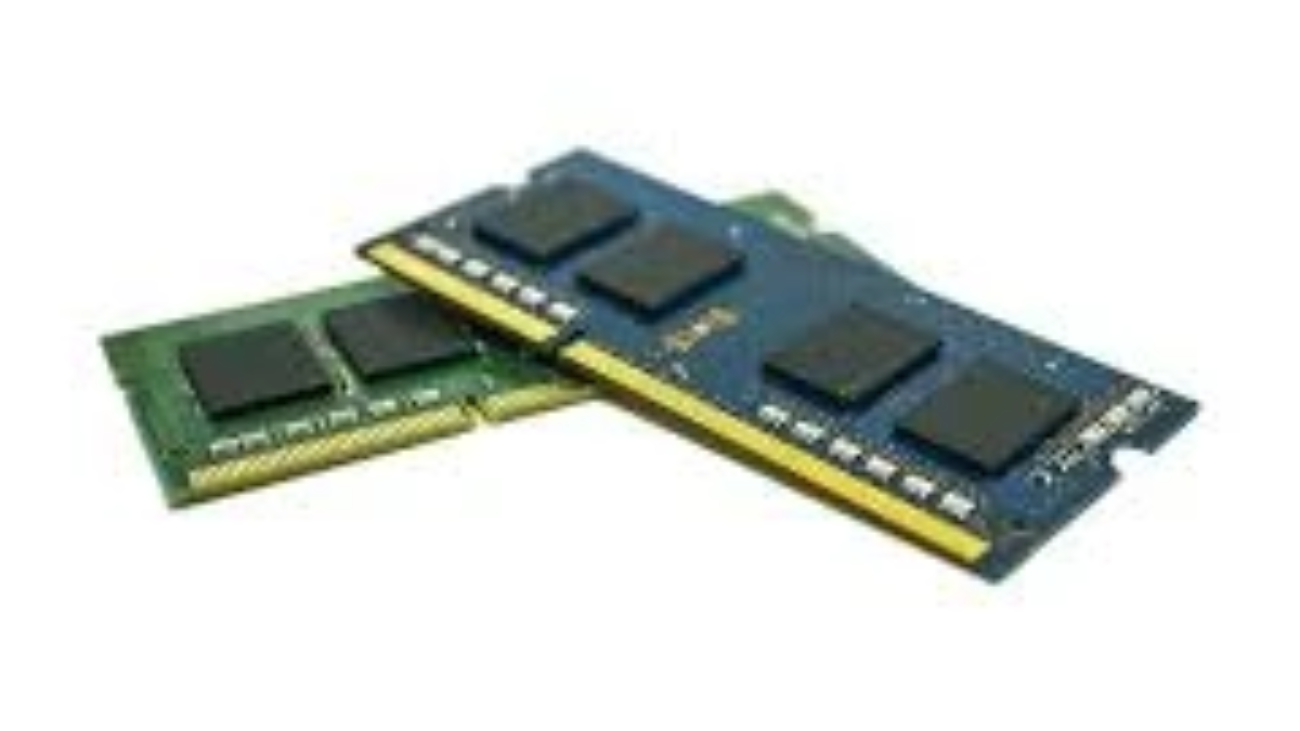
1. SO-DIMM Form Factor

The least memory module that is used in most laptops is SO-DIMM (Small Outline Dual Inline Memory Module), which is smaller than desktop RAM modules. This small size will occupy the small space available in laptops.

2. DDR Generations

DDR versions RAM versions can be divided into:

  • DDR3: It is slow with higher resistance and less effective.
  • DDR4: This is the most common standard of the laptops; it is speedy and has efficiency in power.
  • DDR5: The latest, is more power efficient and fast but is not available in all the laptops yet.

Upgrading your laptop involves compatibility which is determined by the motherboard, therefore, make sure that you have checked your system specifications.

Laptop RAM Size: How Much Do You Need?

The deciding factors in the appropriate RAM size include the way you use it:

Usage TypeRecommended RAM Size
Basic Tasks (web browsing, email)4GB – 8GB
Productivity (office apps, multitasking)8GB – 16GB
Gaming & Creative Work16GB or more

Why Size Matters

  • Less than 4GB: This is usually not sufficient with the contemporary operating systems and applications.
  • 8GB: Most people and multitasker friendly.
  • 16GB+: Perfect in gaming, video editing and challenging software.

RAM Speed: What You Should Know

The speed of RAM is in MHz, and influences the speed of transfer of the data between RAM and CPU. The typical range of laptop DDR4 RAM is between two thousand one hundred and thirty three MHz and three thousand two hundred MHz or even more.

Does RAM Speed Affect Performance?

Yes, but its impact varies:

  • The quicker the RAM, the better the rate of data transfer is.
  • The improvement of performance can be observed in such activities as gaming and video editing.

At that at day-to-day chores, we can be less apparent about the differences in speed.

How to Check Your Laptop’s RAM Specifications

  • You must be informed about your existing RAM product: type, size, and speed:
  • In Windows, open Task Manager (Ctrl + Shift + Esc), in the performance tab, and in the memory section.

Upgrading Your Laptop RAM: Step-by-Step

  1. GE: How to Upgrade Your Laptop RAM.
  2. Determine RAM Compatibility: Check ([TL]) my laptop manual or online advisories such as the Crucial system scanner.
  3. Purchase RAM: Just buy the appropriate one, its size, speed, and brand.
  4. Installation: Use the power off and also unplug your laptop. Take off the back panel very cautiously. Locate the RAM slots.
  5. Install New RAM: Another one: Position the module and insert it firmly but careful not to break.
  6. Test: Turn it on and do not forget to test whether the new RAM is identified in the system.

Common Myths About Laptop RAM

  • Higher RAM=Faster laptop: But it does not necessarily have to be; balanced CPU and storage is important too.
  • Any RAM will be compatible: Compatibility with incorrect RAM may develop.
  • RAM influences storage: RAM and storage are not the same; when the RAM is added, the storage does not get any more space.

FAQs

Q1: Can I mix different RAM sizes?

No, but, of course, matching pairs are better to achieve dual channel application.

Q2: Does RAM affect battery life?

Theoretically; a higher RAM could slightly eat more power, but it is not that big of a difference.

Q3: How do I know if my laptop supports RAM upgrade?

Examine the documentation by the manufacturer or on the Internet.

Q4: Is DDR5 worth buying now?

DDR4 will be the maximum need to most users, although DDR5 provides future-proofing.

Conclusion

Laptop RAM is important to know in order to make the best use of your computer. By selecting the appropriate type, size and speed, you will make sure that your laptop is prerogative in terms of performance. Being a casual user or power user, it will help you to learn how to assess and upgrade your RAM which will prolong the lifetime of your laptop and enrich your computing experience.

To learn more about technical facts about the RAM technology, we can go to Wikipedia page on RAM. This is where we can get an in-depth perspective of the memory architecture and the types of memory, and this is highly valuable to those who are enthusiasts in learning.